
Our Aims and Objectives
We are the UK association for all those who research, study and teach global development issues
Find Out More
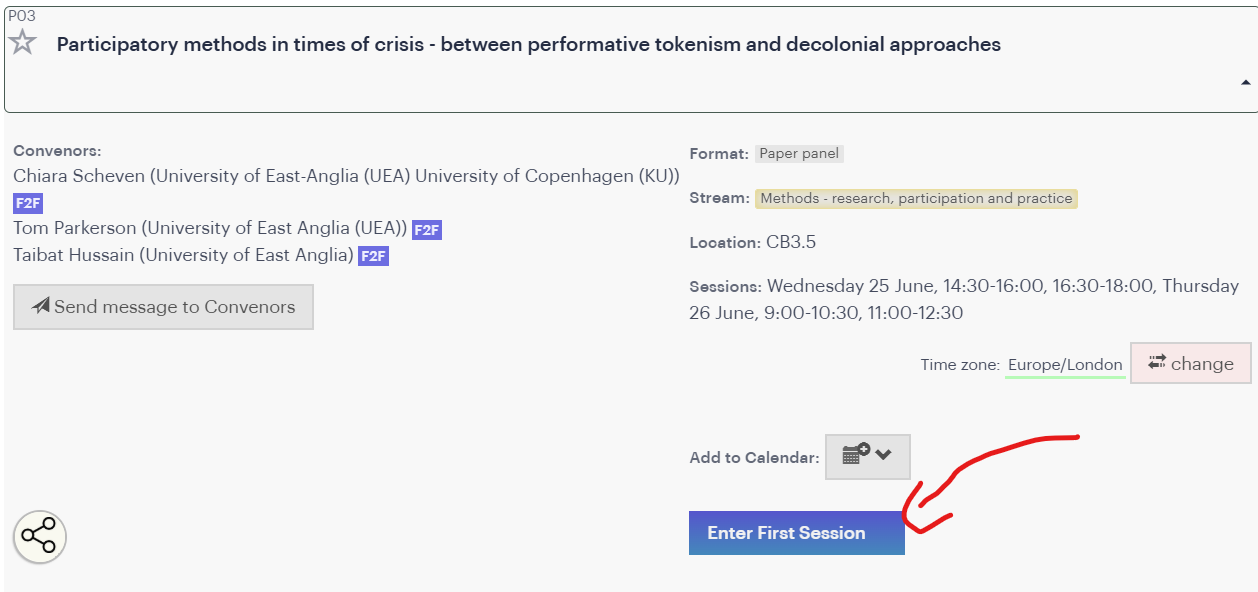
To access the conference remotely head to the DSA2026 homepage and ensure you are logged in. Only logged-in, paid-up delegates will be able to see the ‘Enter Virtual Room’ buttons on the panel pages.
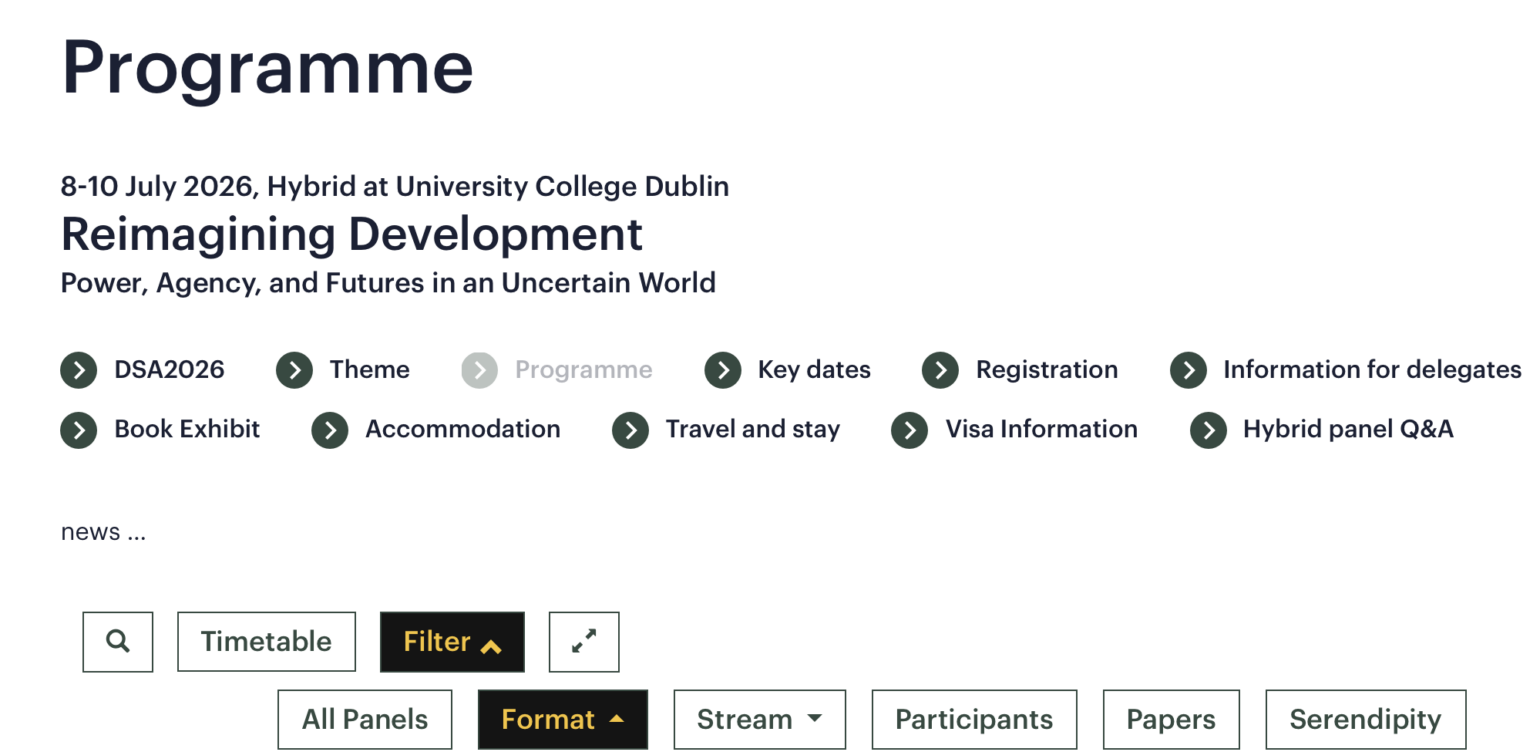
Under the banner heading Programme, you will find the conference timetable. This is where you see all events, plenaries, panels and roundtables in a chronological display. Click items to expand and see the detail; alternatively use the Streams/Formats buttons to filter the panel/roundtable content (not keynotes, meetings, social etc).
For example, to find roundtable R01 click → Roundtable and then scroll the filtered list. Click on the panel/roundtable header to expand to read abstracts.
Use the participants tab to see a list of all delegates, which you can search (or filter by role); mouseover a name to see a pop-up showing name, institution, and links to the panels/papers they are involved in. (Through Logged In, Manage Account you can add a portrait/avatar and a short biography, too.)
The search button searches the full programme.
When logged in you can ‘star’ (favourite) panels/roundtables, meetings and plenaries you wish to attend, so you can easily find them on the day by clicking on the ★ icon in the programme view. (If you star a paper, a hollow star will be added to its panel.)
The hybrid conference takes place in UCD, Ireland and in Zoom, so chairs/convenors should be chairing their sessions both in the face-to-face (f2f) room and in Zoom.
We will NOT be sending out any Zoom links, as all sessions will be accessed via the website. Logged-in, paid-up delegates can see ‘Enter virtual room’ buttons in the panel explorer, specifically in the header of the panel page. Click that button to enter the zoom for that panel.
Make sure you are clear about the timezone; you can use the timezone switcher within the page to switch to your local time, which might help avoid confusion. The conference timezone is ‘Europe/Dublin’, or British Summer Time (BST, UTC+1).
N.B. If you are running Ad-block or other privacy software and cannot see the blue buttons once logged in, disable those extensions for the nomadit.co.uk domain.
During the conference, emergency messages should be sent to [email protected] NomadIT can be contacted at all times on this emergency number: +447417515358 but please only call outside of conference hours if it’s an emergency.
Convenors will communicate at the start of the session how they’d like to take questions from online participants. This can happen in two main ways:
We recommend any colleagues presenting remotely to pre-record their presentation and send to convenors in advance, as:
Authors can still present live, but they should try to check their connection speed before the conference and decide whether live/recorded is best based on this information.
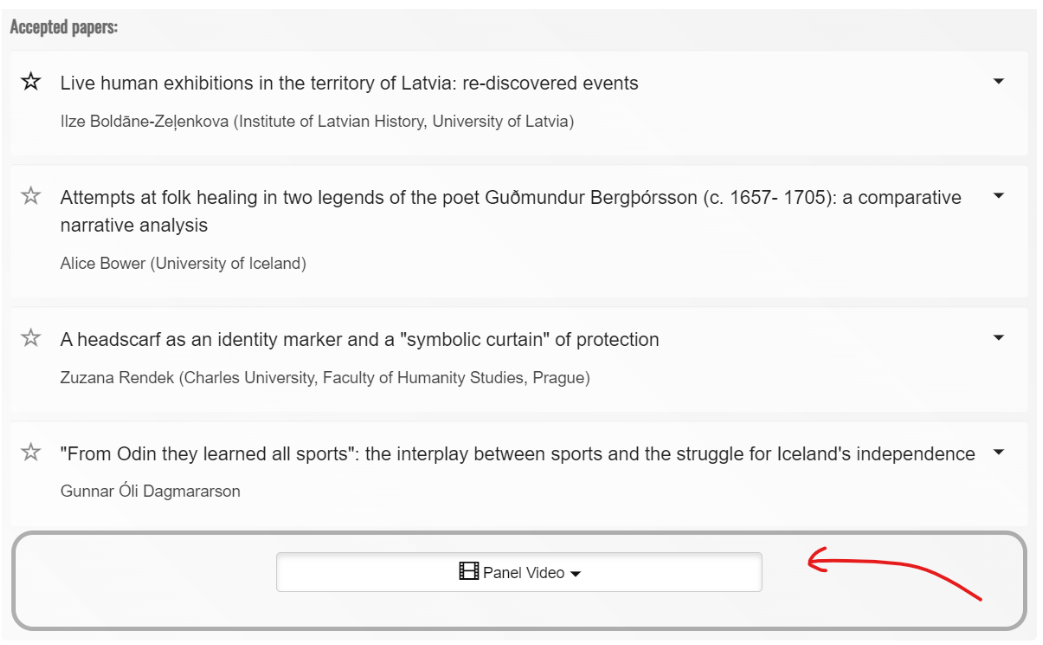
Recordings of all the panels will appear embedded on the panel page a couple of hours after the session ends, visible only to delegates. Find the video beneath the panel’s (paper) abstracts. Click to expand and watch. The videos will remain in place for at least two months.
If your panel does not wish to be recorded at all, you can ask the volunteer to NOT begin recording at the beginning of the session.
Alternatively you can ask the conference administrators to delete the recording later. Presenters can also ask for the recording to be paused while they are presenting.
(Please remind the volunteer to restart the paused recording for the next presenter!)
To ensure all participants have an enjoyable experience, please view our helpful resources:
Keep in mind that the more that is settled before the conference week, the smoother the conference experience. Ensure your registration is active, as otherwise you might be delayed and miss your favourite panel.
CERTIFICATES OF ATTENDANCE
After the conference is over we will confirm with panel convenors as to the attendance status of online participants and about two weeks later, you can download your certificate. Once logged in, go to Conferences in the drop-down and the DS2026 conference to find the link to your Certificate.
If you have any questions, please get in contact: conference(AT)devstud.org.uk